Kipping Up
WOD timer & tracker
Pick the WOD, set your weights, run it on your Apple Watch or iPhone, and get a result that says exactly what you did: Rx Scaled or Modified.
What it does
-
Apple Watch first
Start the WOD on your wrist and tap through movements and rounds.
- Live heart rate, heart-rate zones and calories
- Per-movement and per-round splits
- On Apple Watch Ultra, the Action Button advances, with Water Lock on
- GPS route for outdoor runs; works without your iPhone nearby
-
Race your PR
Pace against your last time or your PR: the Watch shows how far ahead or behind you are after every split, and a coach (beta) nudges you when your pace drops, you hit zone 5 too early, or it's time to push.
-
Rep counting (beta)
The Watch counts reps for double-unders, box jumps, wall balls, thrusters, kettlebell swings, burpees and more, right on your wrist.
-
Live on your iPhone
Started a workout on the Watch? Your iPhone shows it live: clock, heart rate and progress. Or run the WOD on the iPhone itself with a full-screen timer.
-
Snap the whiteboard
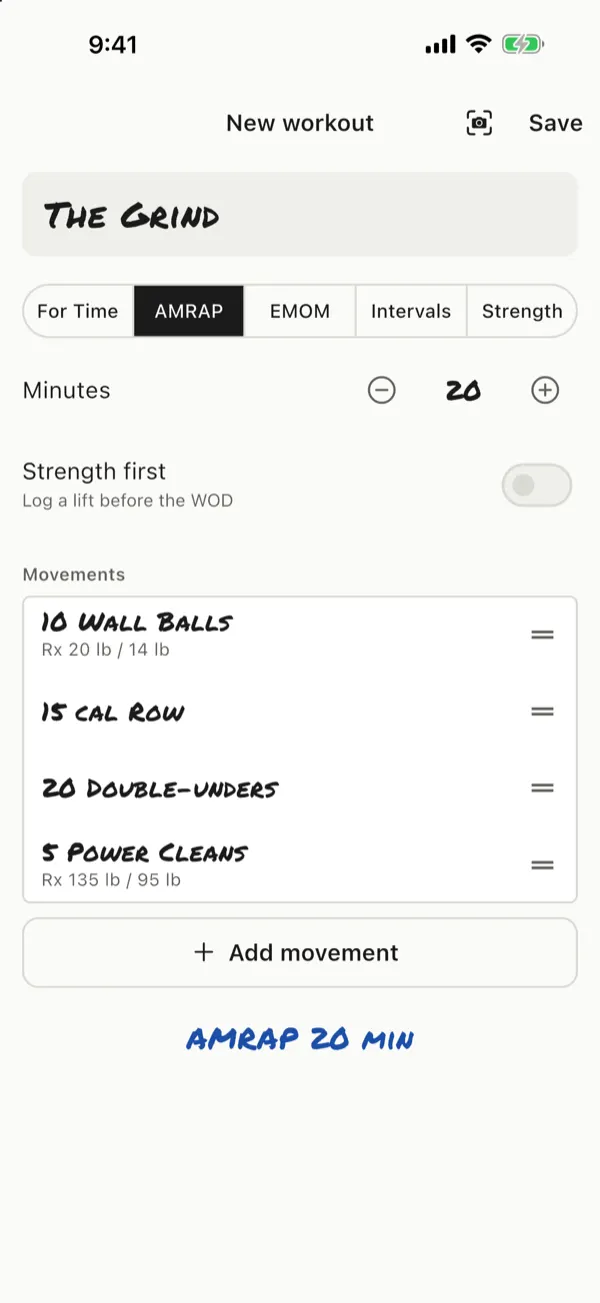
Take a photo of your box's whiteboard and Kipping Up reads the workout for you, on your iPhone. Or build your own: For Time, AMRAP, EMOM, intervals and strength.
-
Benchmarks, ready to go
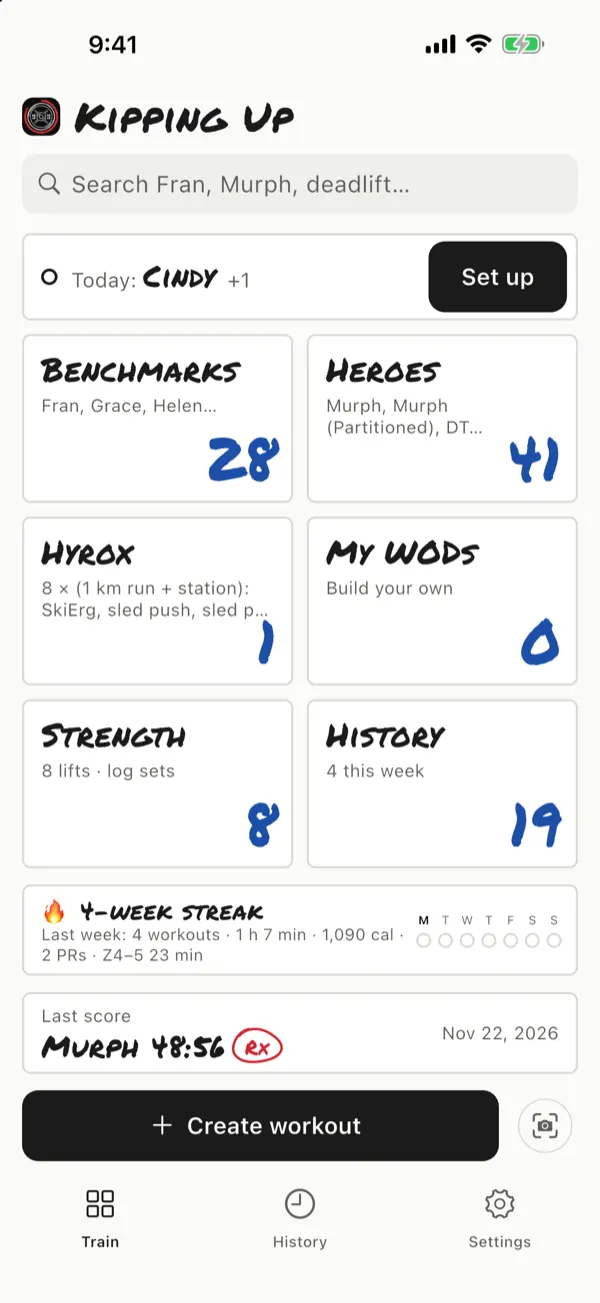
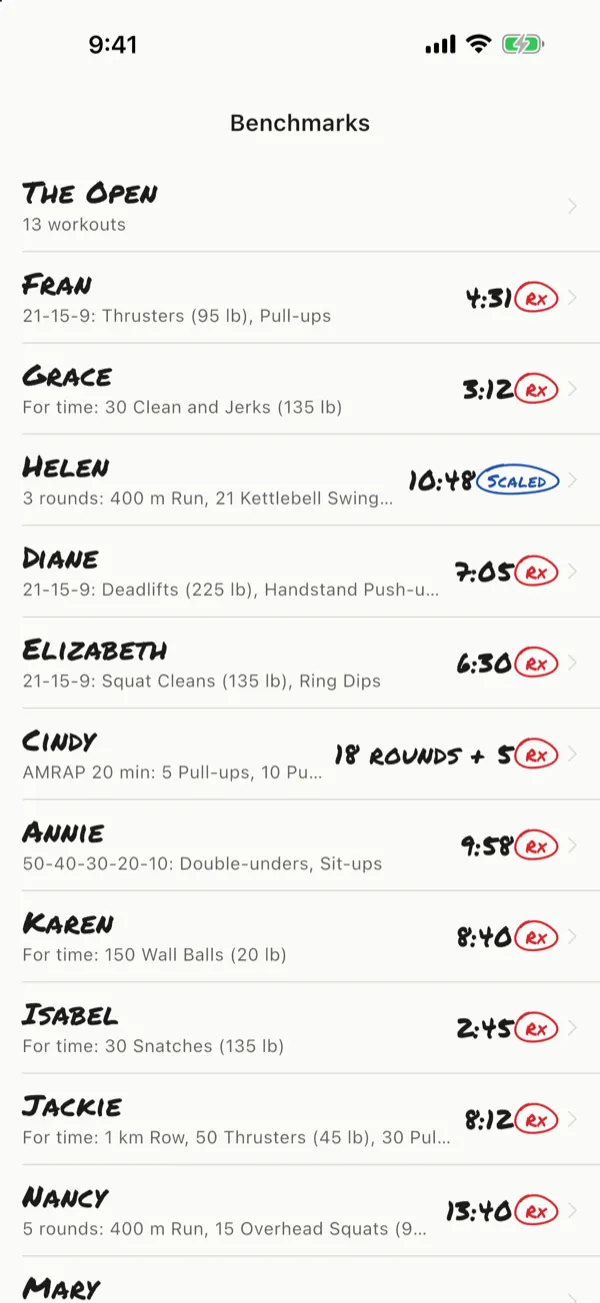
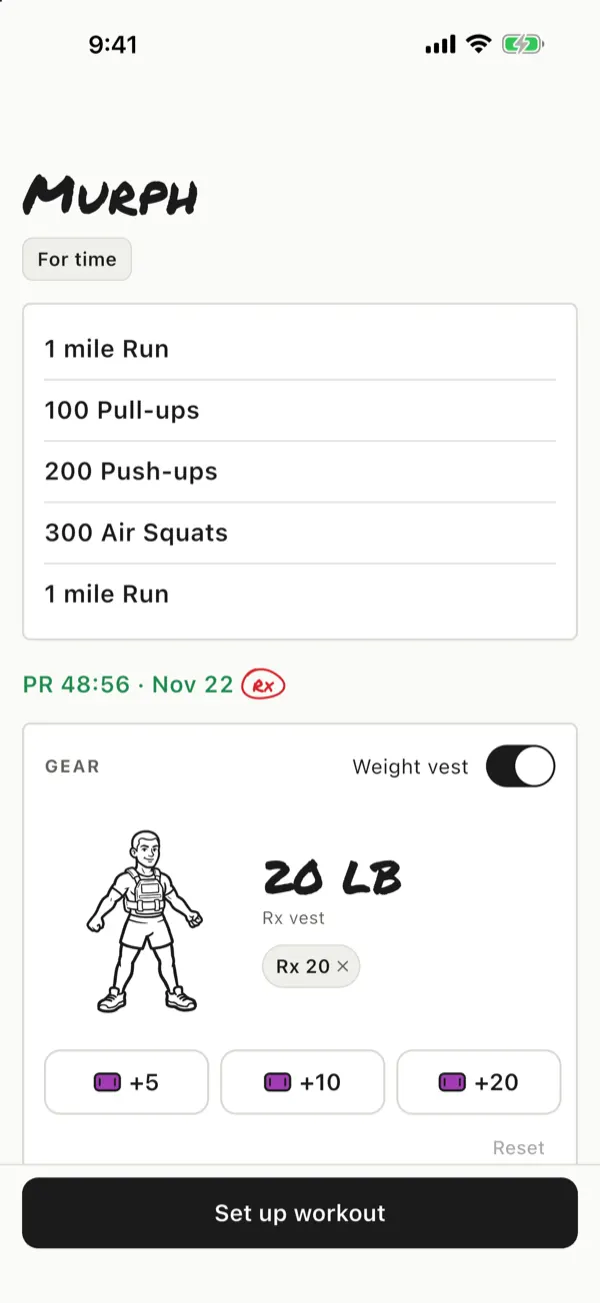
81 benchmark workouts: the Girls, Hero WODs, named benchmarks and The Open, with plain descriptions and Rx and scaled standards built in.
-
Results that tell the truth
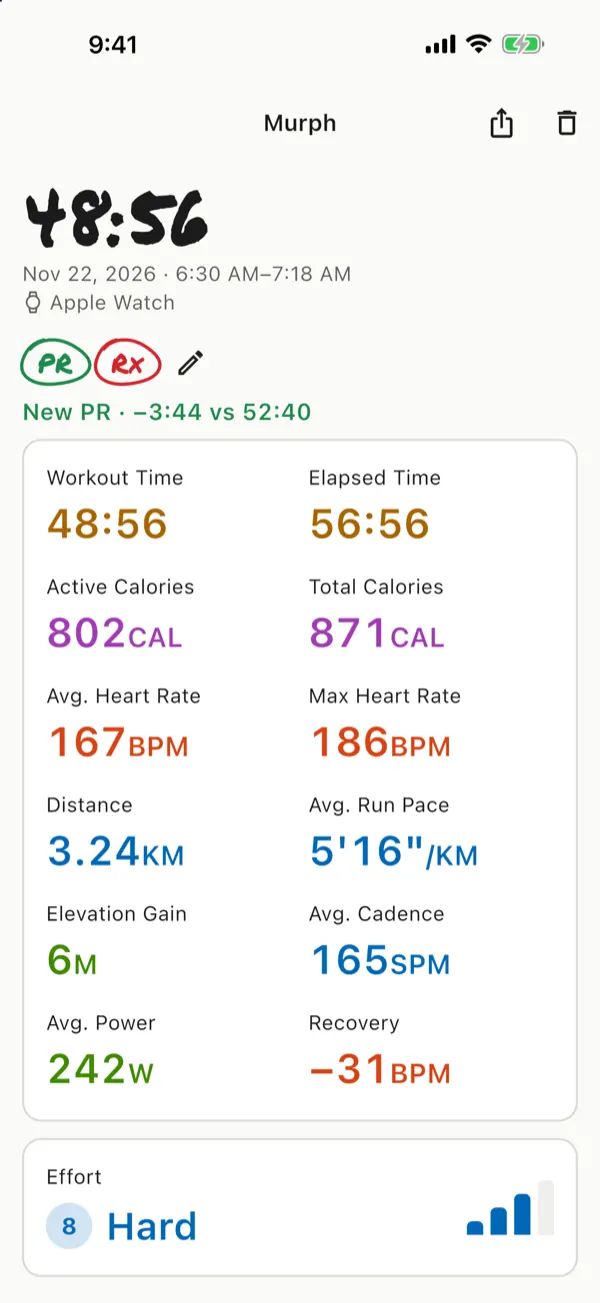
Every result is tagged Rx, Scaled or Modified from the weights, movements and reps you actually used, so "Fran 4:12 Rx" never looks like Fran with ring rows.
-
Results & history
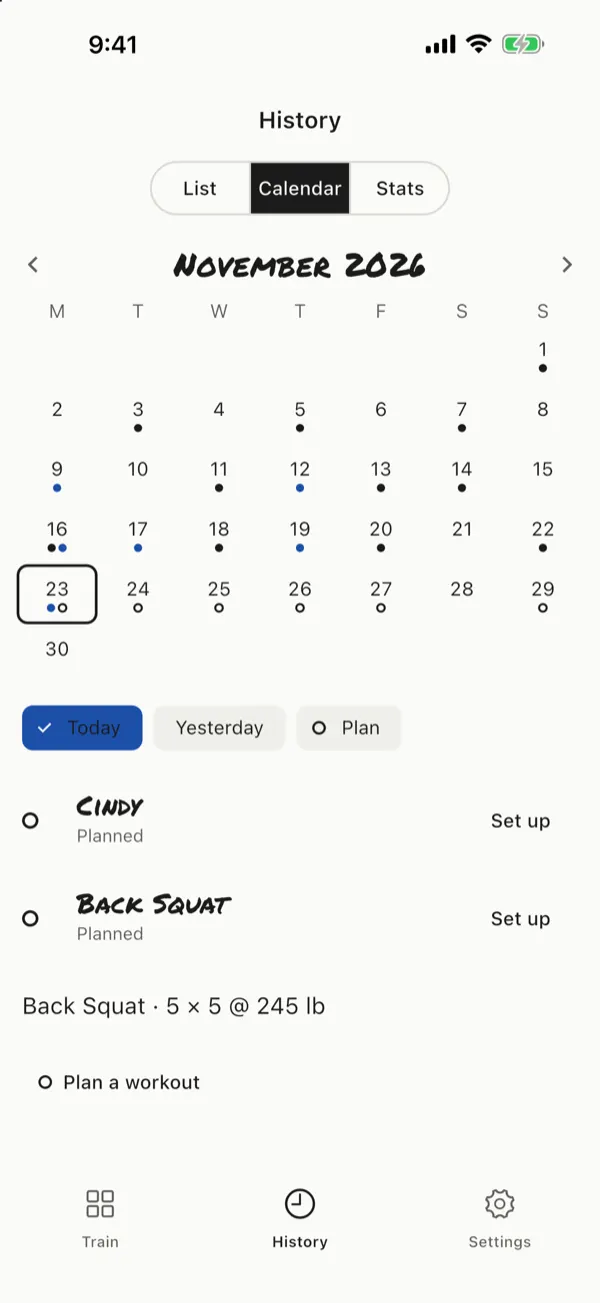
Splits, heart-rate trace and zones, recovery and effort, calories, distance and running form for every session. A calendar of your training, PRs next to each workout, lift logs with estimated 1RM, and a weekly summary with your streak.
-
Widgets & Siri
Home and Lock Screen widgets, a Live Activity while you train, and Siri shortcuts to start a workout or log a lift. Workouts are saved to Apple Health.
Screenshots
Private by design
No account, no sign-in, no ads, no analytics, no tracking. Kipping Up has no servers: your training stays on your iPhone, your Apple Watch and in Apple Health.
Questions?
See Support for setup help and answers, or write to developer@wabiit.com.